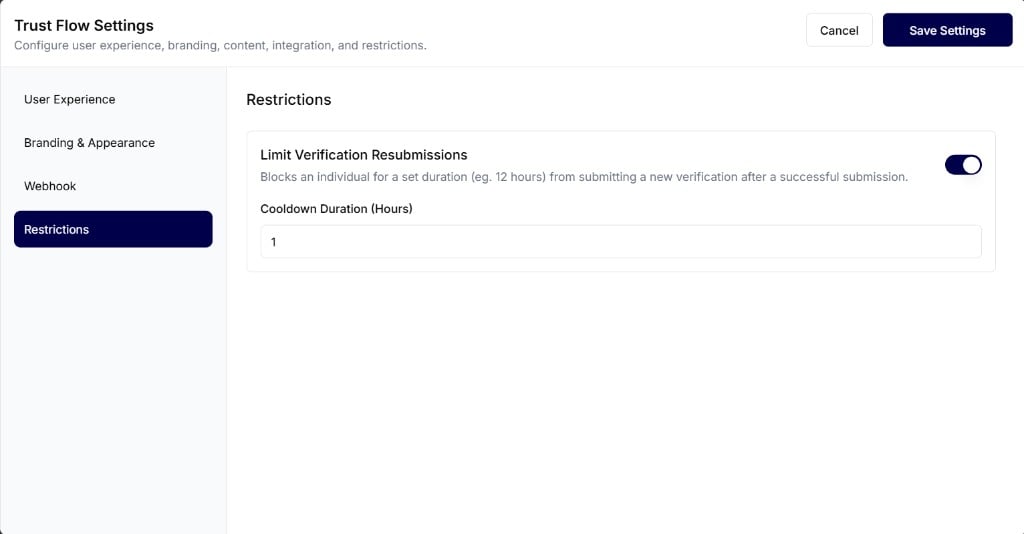
Limit Verification Resubmissions
Enable this toggle to block an individual for a set duration from submitting a new verification after a successful submission. When Limit Verification Resubmissions is enabled, enter:- Block Duration (Hours) — How long the applicant is blocked from starting a new verification after a successful one. For example, enter
1to block for 1 hour, or12to block for 12 hours.