

User Experience
The User Experience section controls how applicants move through the flow. You can skip screens, show verification guides, auto submit camera captures, set a redirect URL, and allow users to resume incomplete verifications.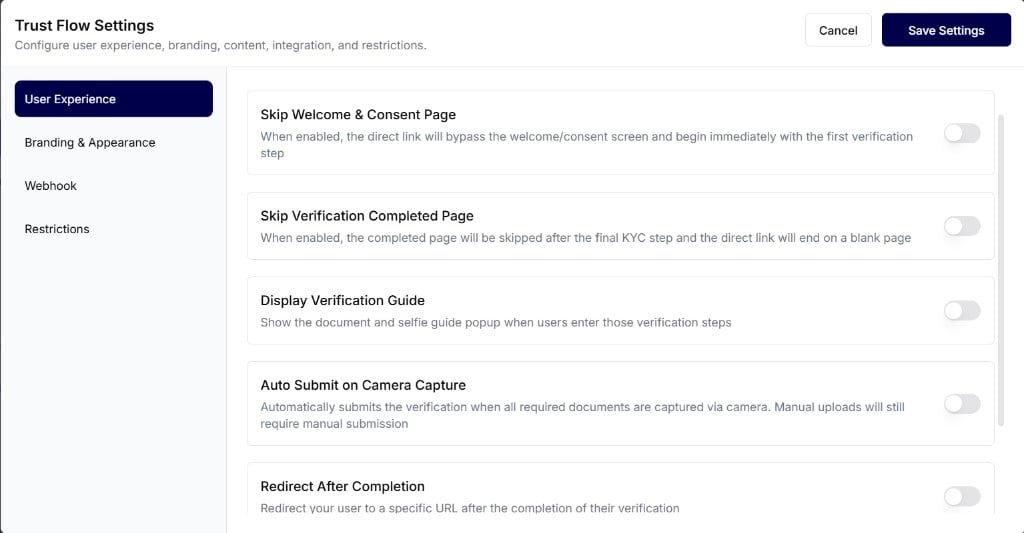
User Experience
Control welcome screens, guides, auto submit, redirects, and resume behavior.
Branding & Appearance
The Branding & Appearance section lets you control the visual style and text shown to applicants during verification. Update your logo, typography, privacy policy, and completion screen title and body.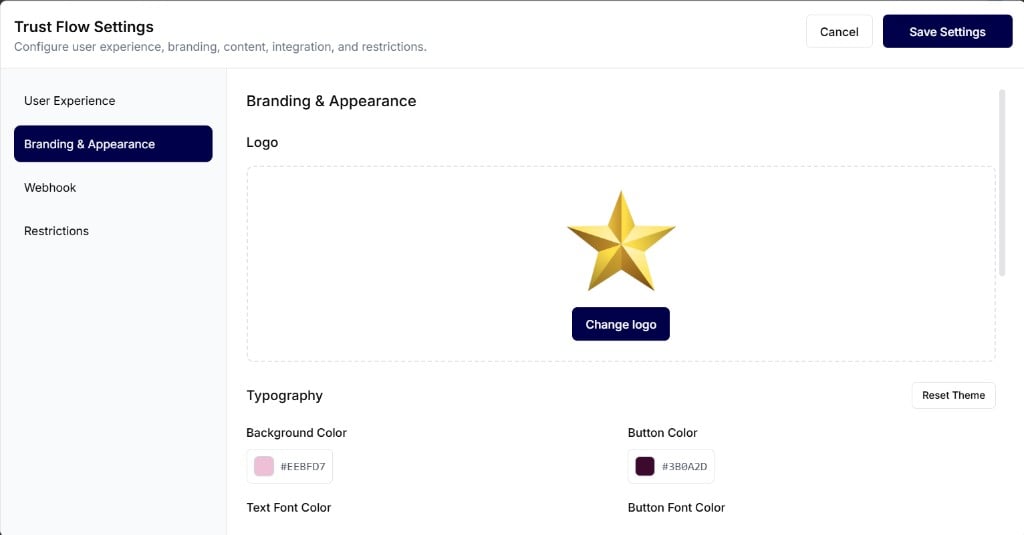
Branding & Appearance
Customize logo, colors, fonts, privacy policy text, and completion screen content.
Webhook
The Webhook section lets you send real-time updates to your system when verification events happen. Enable Verification Webhook, then enter your Webhook URL and Webhook Secret.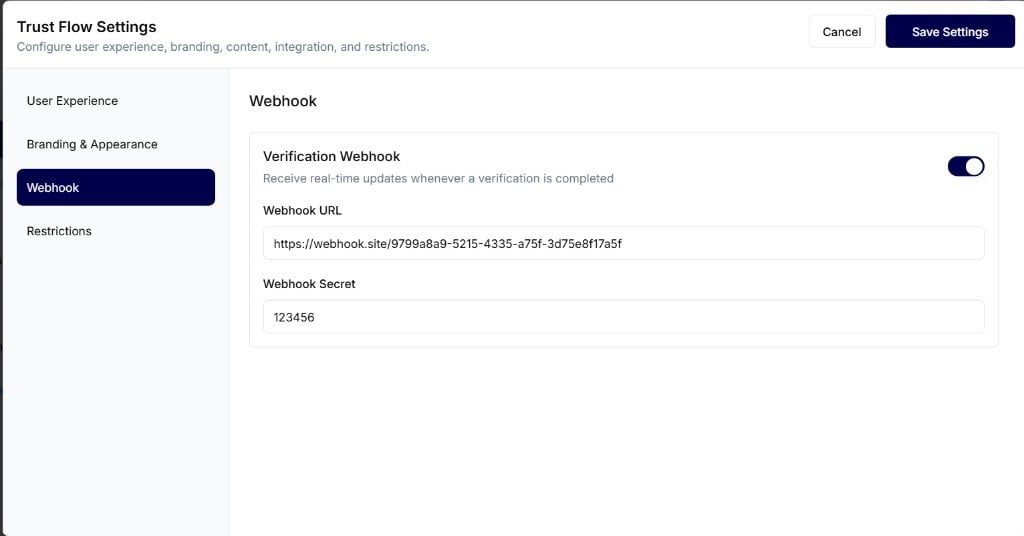
Webhook
Send real-time verification completion updates to your endpoint.
Restrictions
The Restrictions section helps you prevent repeated submissions in a short period. Enable Limit Verification Resubmissions and set a Block Duration (Hours) after a successful submission.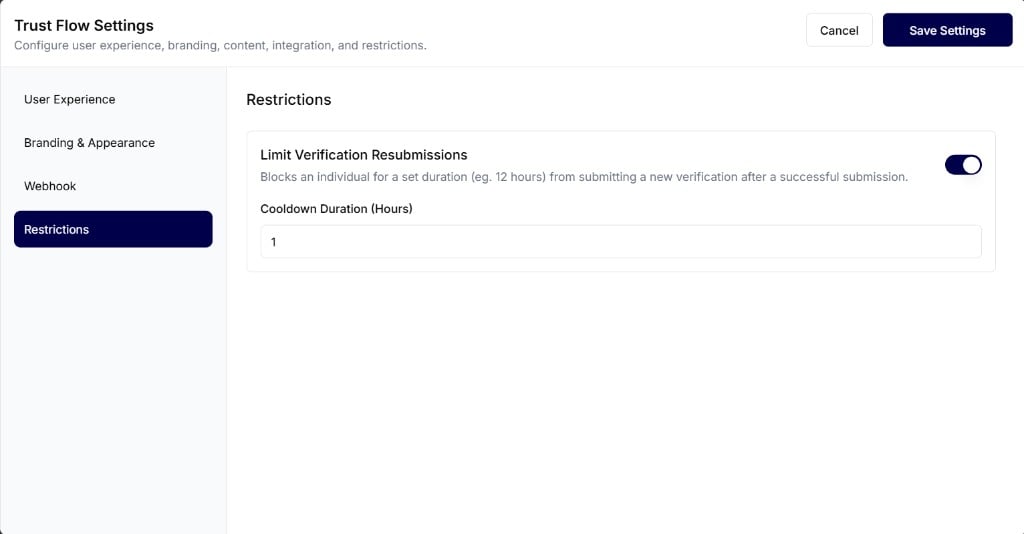
Restrictions
Limit how soon an applicant can submit a new verification after a successful one.