

Getting an API token
- Log in to the IDmeta system (dashboard).
-
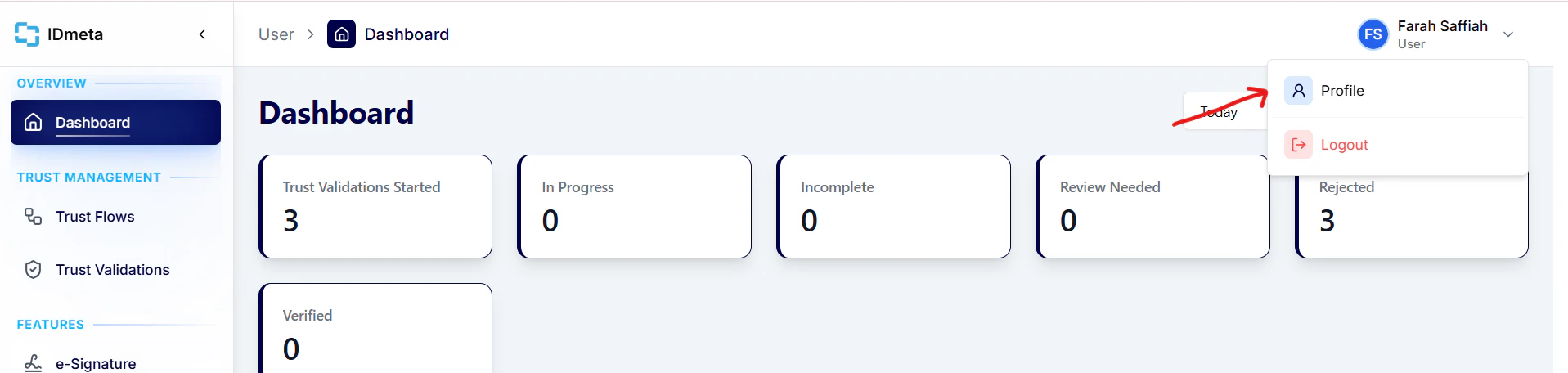
Open your profile: click your profile avatar/name to go to the profile page.
- In the Settings tab, open API Tokens.
-
Click Create token to generate a new API token.
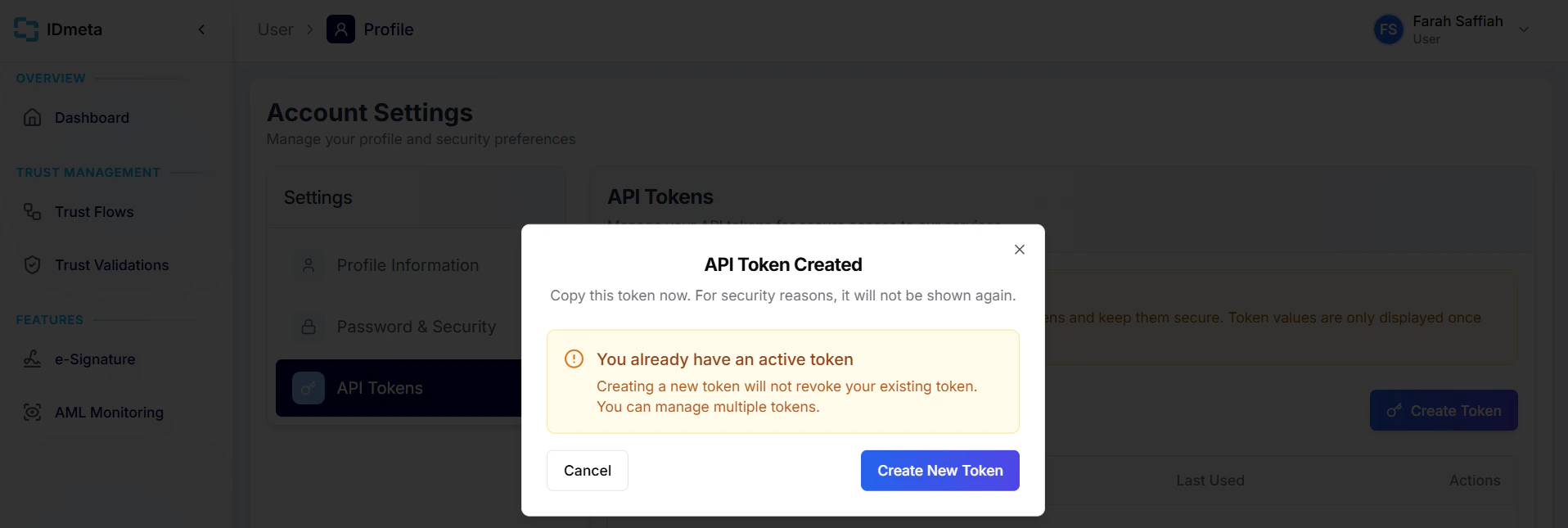
- Copy the token and store it securely. Treat it like a password.
Authorization header when making requests.